

Record remote podcasts in full quality.
Each person is recorded on their own computer and uploaded while you talk. A weak connection never touches the files.
Works in Google Chrome. Your guests do not need an account.
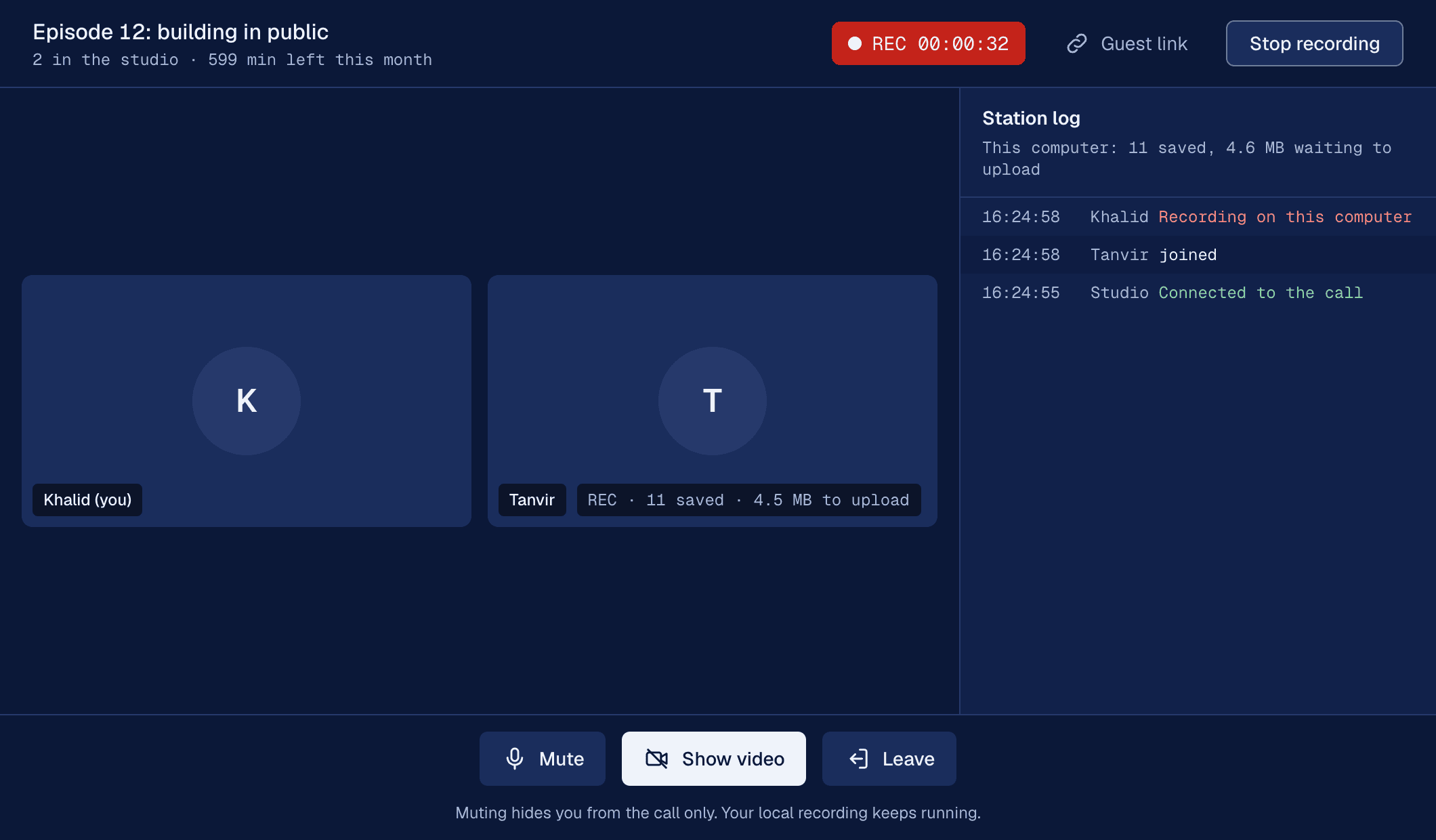
What a session looks like
The studio keeps a log like this while you record, so you always know what has been saved.
- You open the studio and copy the guest link.
- Your guest opens it in Chrome. You click Let in.
- You press Start recording. Both computers record in full quality.
- Your guest's Wi-Fi drops for a minute. The call freezes. The recording does not.
- You press Stop. The last pieces finish uploading.
- You download one video file and one audio file per person.
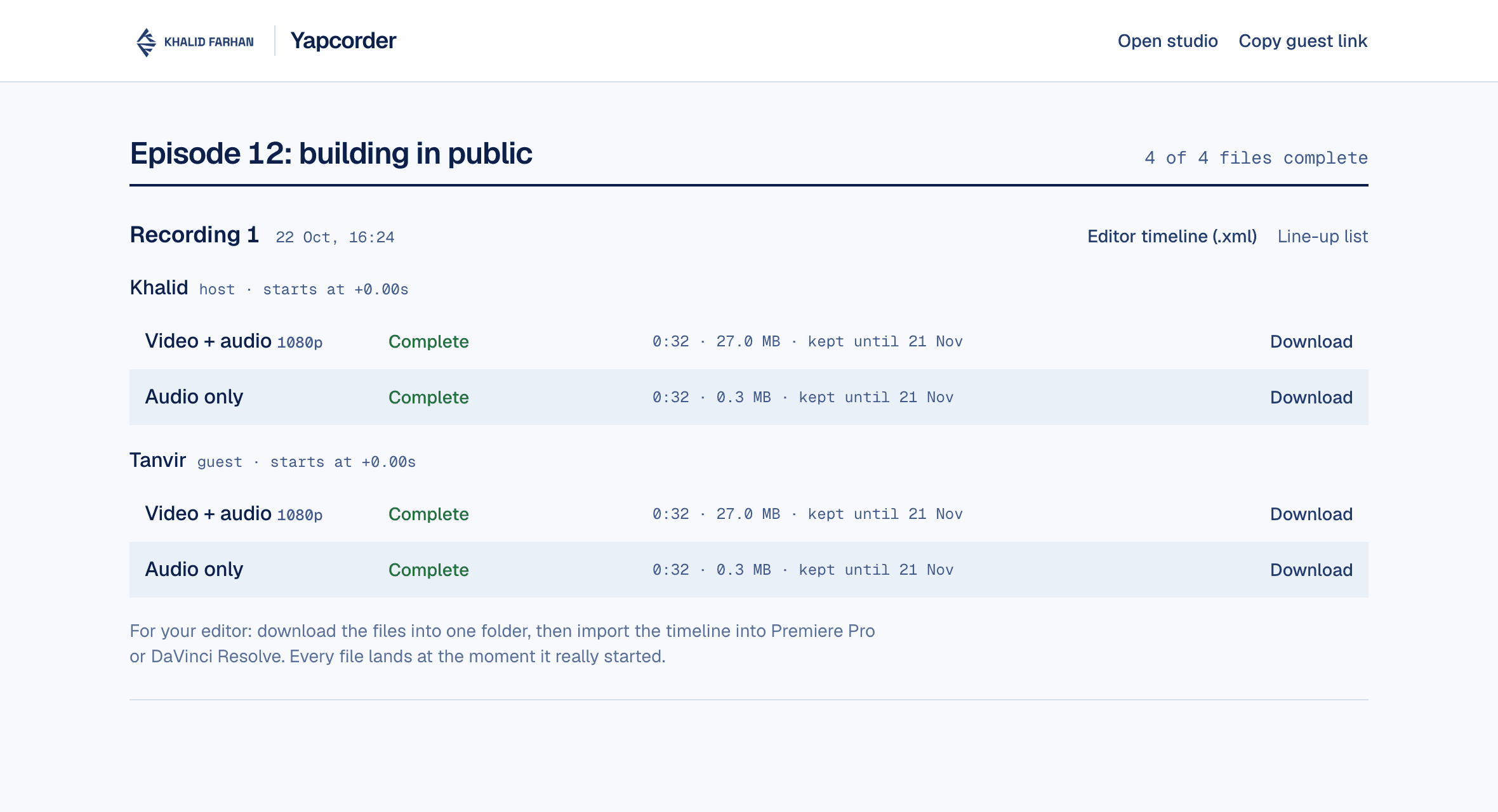
Clean files for your editor
- A video file and a separate audio file for each person.Recorded straight from their own camera and microphone.
- A ready-made timeline for Premiere Pro and DaVinci Resolve.Every file lands at the moment it really started, so nobody lines up claps by hand.
- Ready the moment you stop.No processing queue and no waiting for an email.
Built so a recording does not go missing
Saved before it is sent
Every few seconds the recording is written to the person's own computer first, then uploaded. Nothing waits on the call.
A closed tab is not the end
If a guest closes the tab or their laptop crashes, they open the same link again and the rest uploads.
Muting only affects the call
Hide your camera or mute for a cough. Your recording keeps running, so your editor decides what to cut.
Every piece is counted
Your files page shows whether every part of every file arrived. You never find out at the edit.
Easy for guests, and only the people you let in
Guests click your link, check their camera and microphone, and wait. You see their name and click Let in. Nothing to install, no account to make.
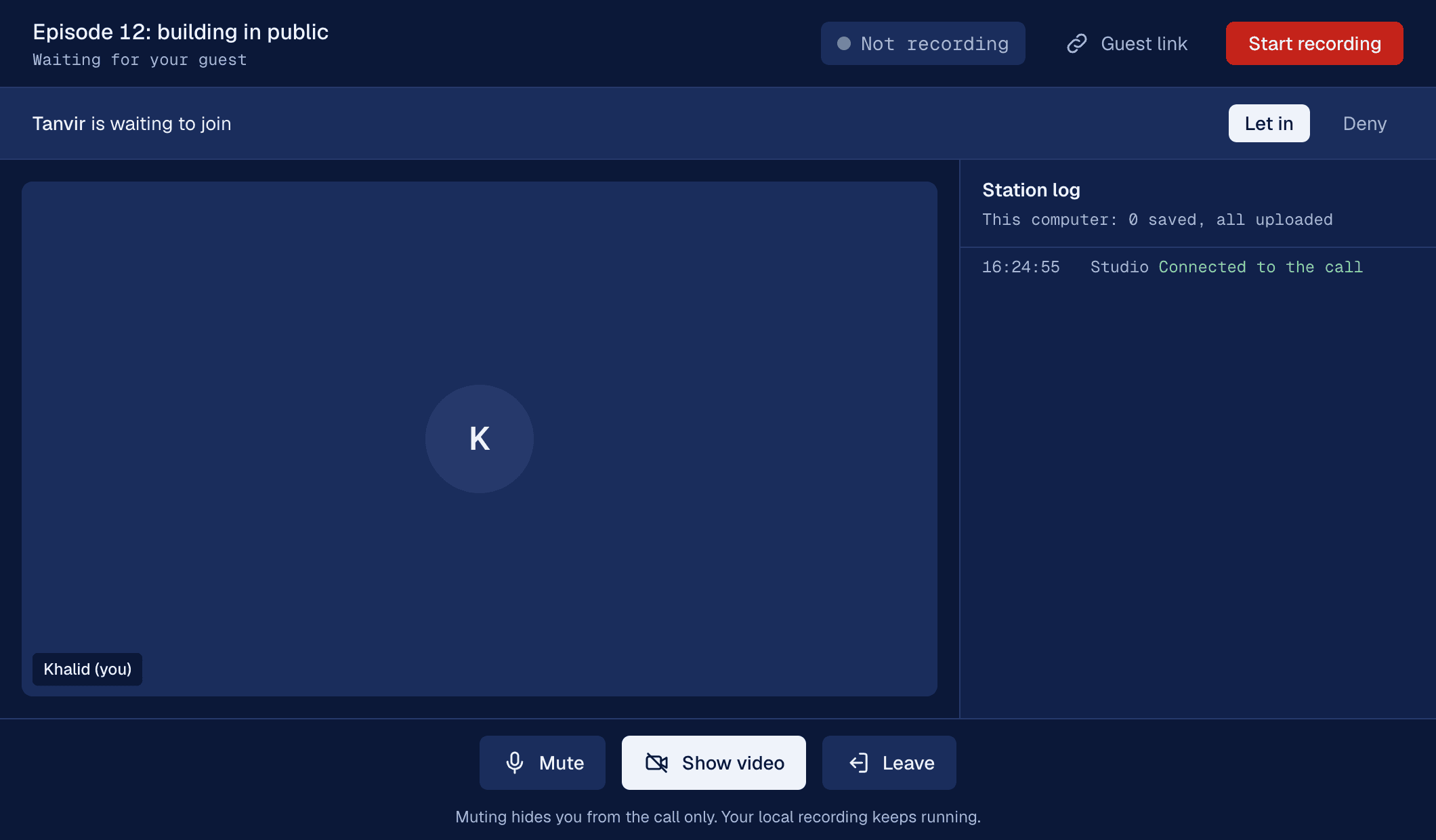
Two plans, both monthly
Prices in US dollars. Cancel any time. Payments are handled by Stripe. Already subscribed? Sign in.
Questions
Does my guest need an account?
No. You send them a link, they open it in Chrome, type their name and wait for you to let them in.
Which browsers does it work in?
Google Chrome on a laptop or desktop, or Chrome on an Android phone. It does not work in Safari or on iPhone yet, and the page tells guests to switch.
What happens if someone's internet drops?
The call may freeze, but their computer keeps recording. Everything uploads once they are back online, and you can watch it arrive.
How long do you keep my files?
7 days on Starter and 30 days on Pro, then they are deleted. Download them for your editor before then.
Can I cancel?
Yes, any time from your dashboard. Your plan keeps working until the end of the month you paid for.
Why did you build this?
I record podcasts and was paying for Riverside every month. The part I actually used was one clean recording per person, so I built that, kept it simple and priced it low.
Is it finished?
It is new and in early access. If anything goes wrong, email me at khalid@khalidfarhan.com and I will fix it.